Less admin.
More advising.
Your clients book their preferred slot themselves — directly, effortlessly and around the clock. No email back-and-forth, no manual coordination.
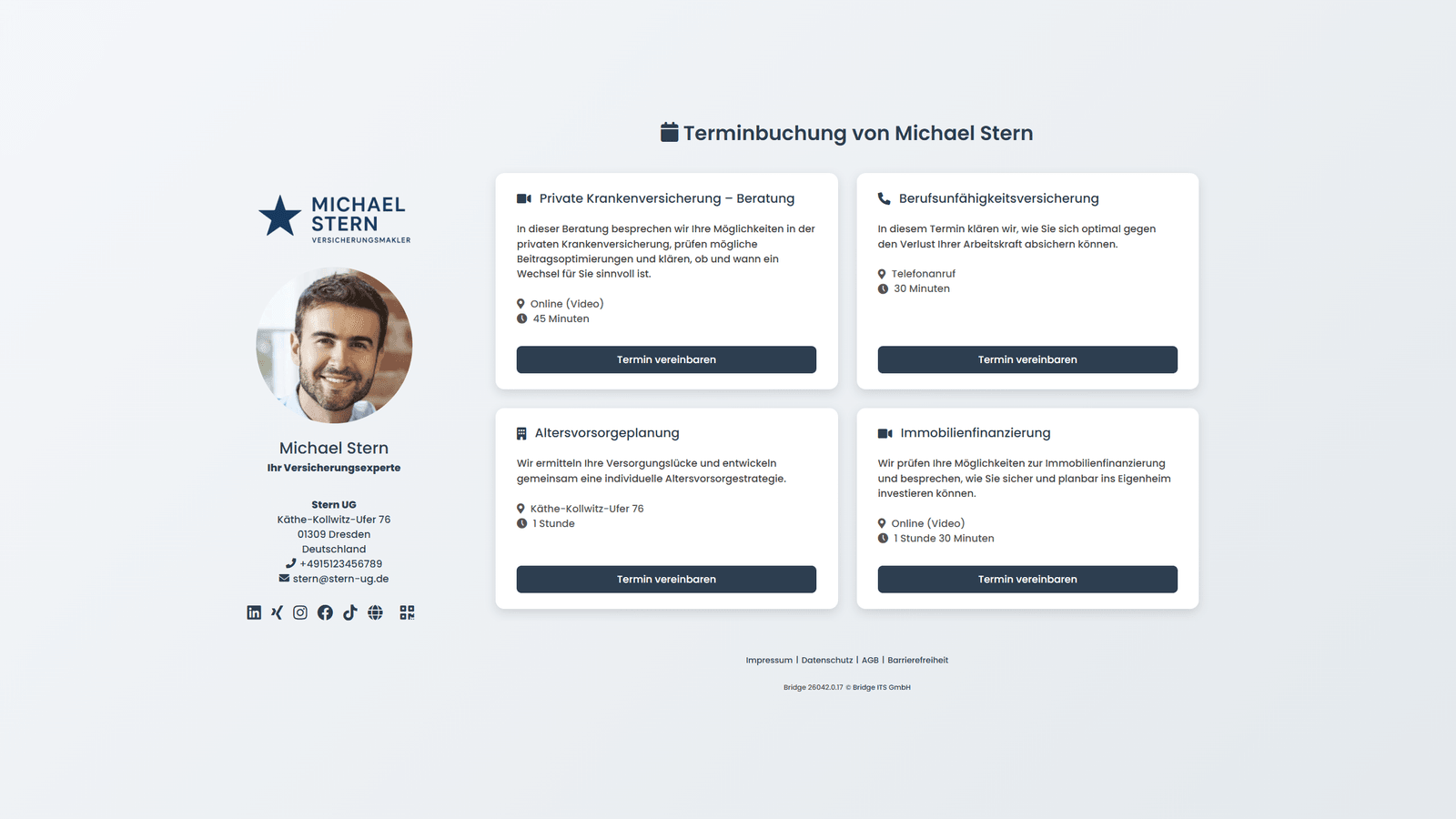
Define your advisory through appointment types.
You define once which appointments are bookable — bridge handles the rest.
- Format & durationOnline consultation, in-person meeting or phone call — any length. Multiple appointment types can run simultaneously.
- Availability & buffer timesSet your core hours, breaks and how much buffer time you need between appointments.
- Automatic remindersUp to 5 individual email reminders for your clients — configurable in timing and content.
- Personal booking pageYour own scheduling page with your name, photo and offerings — ready in minutes.
Automatic or manual —
your choice.
Not every appointment is the same. That's why confirmation can be set individually per appointment type.
Manual confirmation
The booking arrives as a request. You review and decide: accept, decline or suggest an alternative time.
Automatic confirmation
The appointment is confirmed immediately once a client selects a free slot. No extra step on your end — your client gets instant certainty.
In both cases you are notified by email — and you can reschedule or cancel even automatically confirmed appointments at any time.
No double bookings.
No double maintenance.
Connect Google and Microsoft bidirectionally via OAuth — Apple and other calendars via iCal. bridge keeps your availability and appointments in sync, both ways, automatically.
- Availability stays currentBusy times from your connected calendar automatically block your bookable slots — clients only ever see genuinely free times.
- No manual re-entryEvery booked bridge appointment lands in your calendar automatically — including reschedules and cancellations. No double maintenance.
What your clients experience.
From the booking page to confirmation — everything runs automatically and professionally.
Choose appointment type
Your client sees all available advisory options on your personal booking page.
Date & time
Only genuinely free slots are shown — double bookings are impossible.
Contact details
Name and email address — done. No registration, no friction for your clients.
Confirmation
Your client instantly receives a confirmation email with all details and a calendar invite.
With all appointment details and a direct cancellation link.
For instant import into any common calendar app.
For online appointments: direct access to the bridge advisory room — no installation needed.
Sent automatically before the appointment — so no conversation is ever missed.
Wherever your clients are.
The booking page can be embedded flexibly — exactly as it fits your daily workflow.
Ready to get started?
Try bridge free for 7 days — no credit card, no automatic renewal.